Chronicle Persistence & Save State Architecture
See also: Game Modes & Scenarios, Game Settings, Journal & Records.
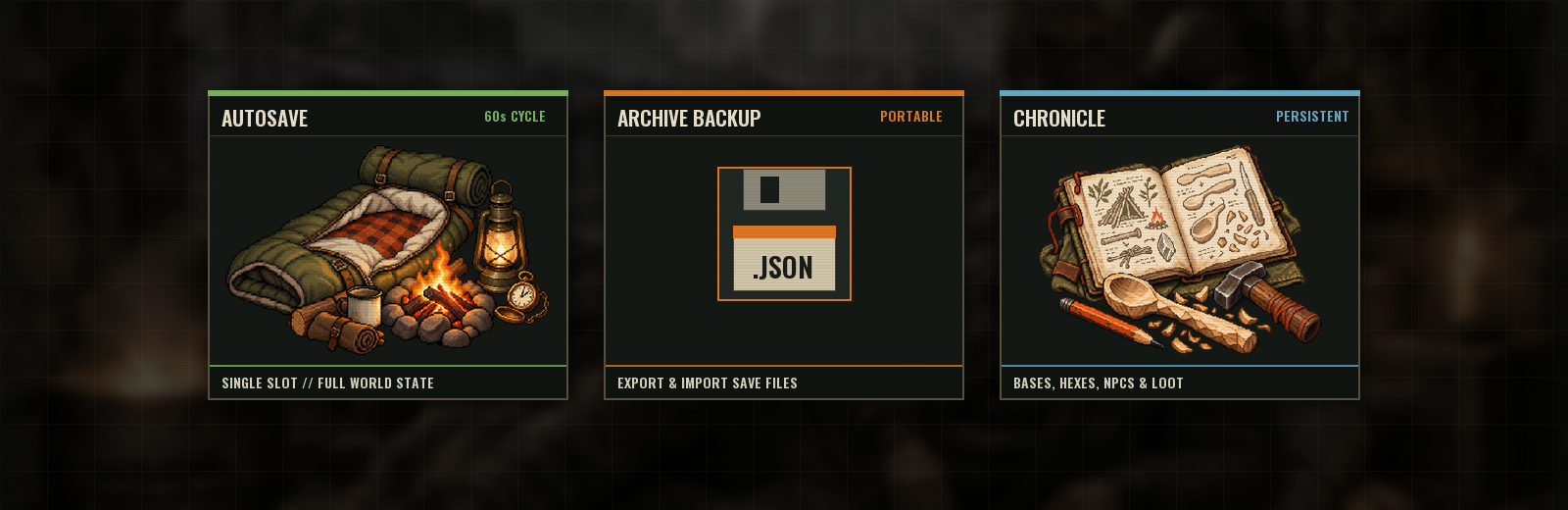
Your survivor's struggle across Last State is preserved in real time through an autonomous chronicling architecture. The entire persistent world—uncovered hexes, constructed cabins, companion statuses, and storage inventories—is recorded continuously, with manual archive export capabilities for external backup.
Autosave
- How often: the game saves your run about once a minute of real time.
- When it waits: it skips saving while an action, house construction or bandit camp raid is in progress, and saves once it's finished.
- What it saves: the whole world: map, settlements, NPCs, your house, companions, inventory and progress.
- One slot: there is one autosave slot. Starting a new run replaces it.
- Continue: on the start screen, Continue loads the autosave.
- After death: in Standard mode you can continue from the last autosave taken before you died. In Hardcore mode the autosave is deleted when you die.
Export and import
| Action | Desktop (Steam) version | Browser version |
|---|---|---|
| Export Save | Writes YourName-001.json, -002, … into %APPDATA%\LastState\Saves\ |
Downloads a .json file |
| Import / Load | Opens a list of your save files (newest first, with size and date); you can load or delete them | Opens a file picker |
- What exports are for:
- backups;
- keeping several runs at once;
- moving a run to another computer.
- Hardcore saves: an exported save of a hardcore character who has died is rejected when you try to import it.
Compatibility
When you load an older save, the game upgrades it automatically. Newer systems, journal entries, water containers, perishable batches, ruins districts and similar data are filled in, so old runs keep working after updates.